

"Who had access to this report on the day the numbers leaked?" The Power BI portal tells you who has access today, workspace by workspace. The activity log keeps events for a limited time, in a format nobody can read without building a data project.
Power Monitor collects, stores and organizes all of it so you can answer in minutes whatever the auditors, the legal team or information security ask.
Who has access, and through which path
The Permissions Audit and the Permissions Dashboard show every permission on workspaces, Fabric items, gateways, connections and Power Embedded, including access inherited from groups and from the workspace. Risk findings are ready for you: external accounts with write permission, workspaces with no administrator, access that perhaps should not exist.
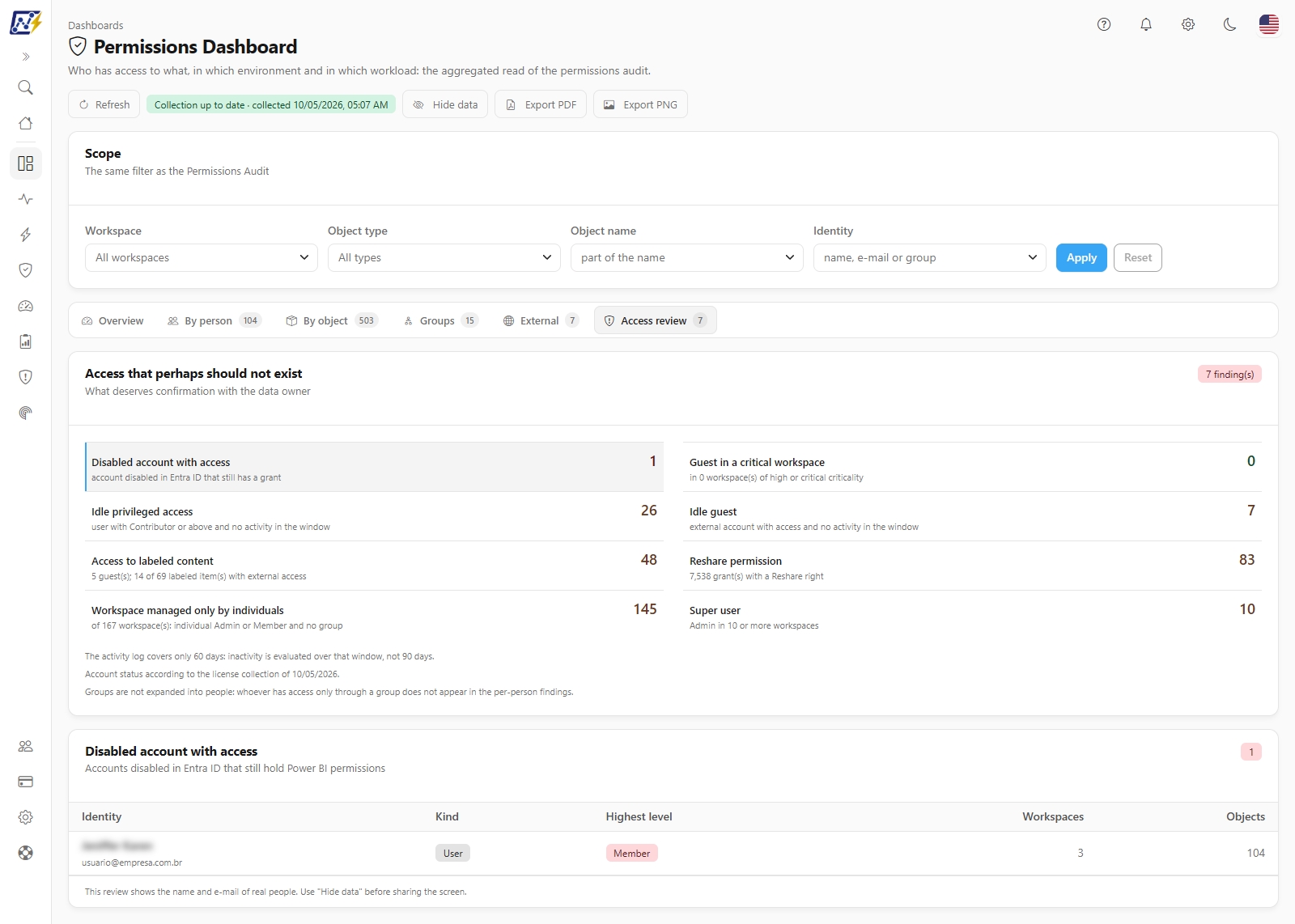
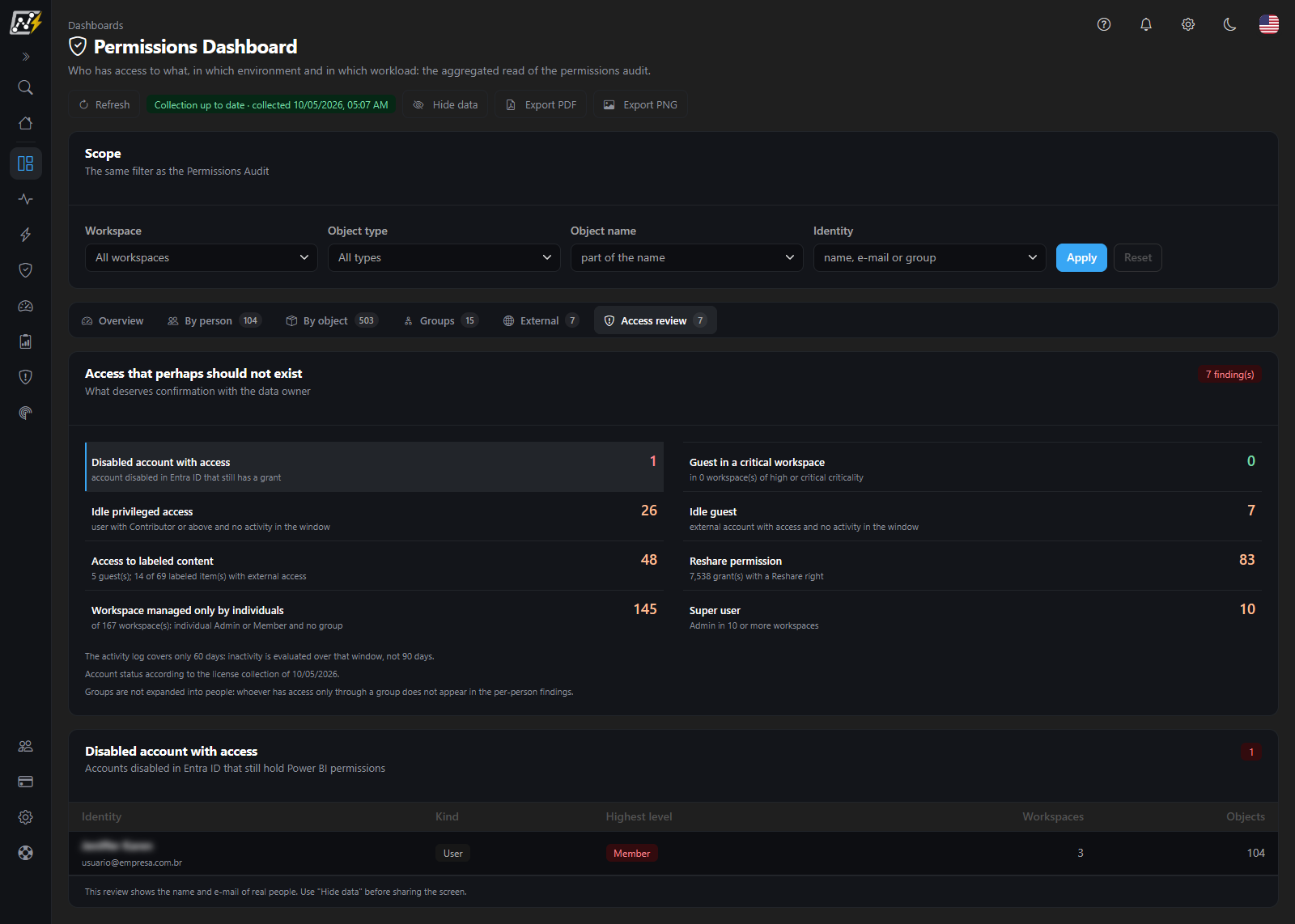
Permissions Dashboard: access that deserves review
Who had access on a past date
The Permission history records who gained, lost or changed access over time and answers, for any covered date, who had access to a workspace or artifact. It is the question every incident investigation starts with.
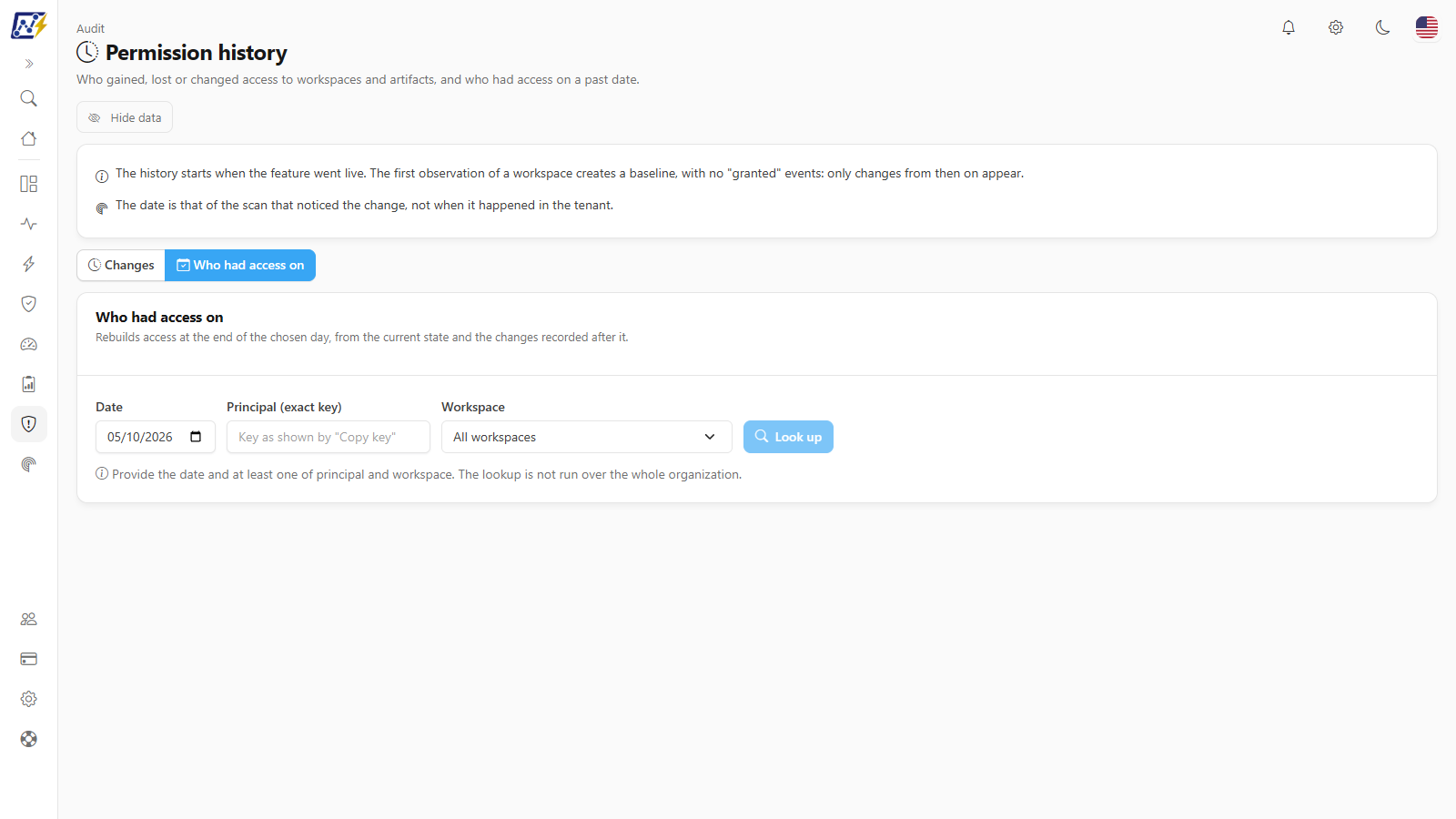
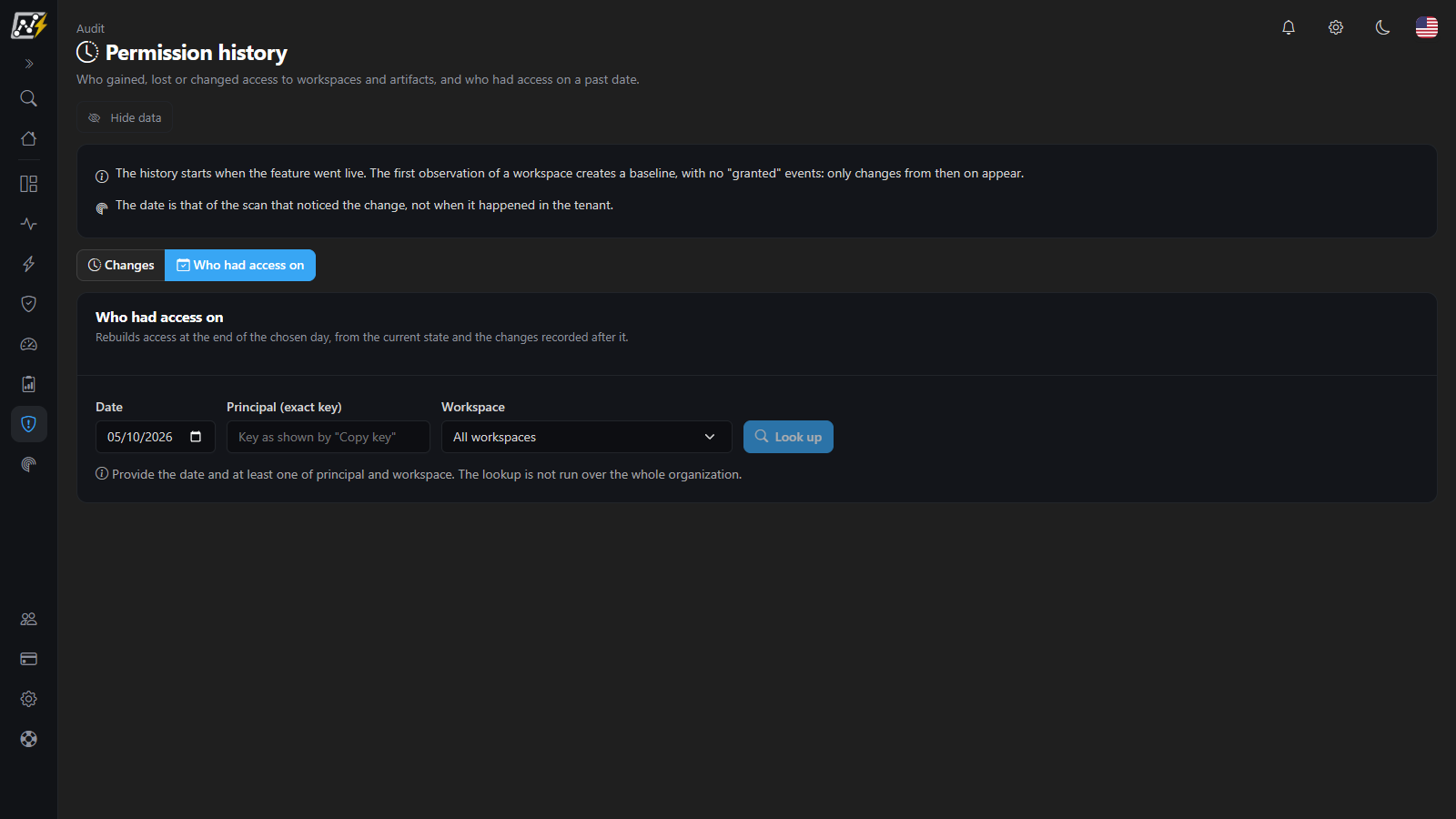
Who had access on a given date
Who viewed what, and from where
- Events Overview: every Power BI and Fabric activity (views, edits, deletions, sharing, Copilot, administration), with a shortcut to the Critical Actions.
- Report Views: who opened each report or dashboard, with the country, state and city the access came from.
- Access alerts: access from a new country, improbable distance jumps between two accesses and simultaneous access.
Behavioral risk
A daily score from 0 to 100, per person, that compares each person's activity with their own history and flags changes that deserve attention: a spike in exports, an account coming back after months of inactivity, access from distant locations within a short time. Each score shows the factors behind it, with no black box, and the organization decides whether to turn on the feature and the network signals. It helps you find the risk before it becomes an incident.
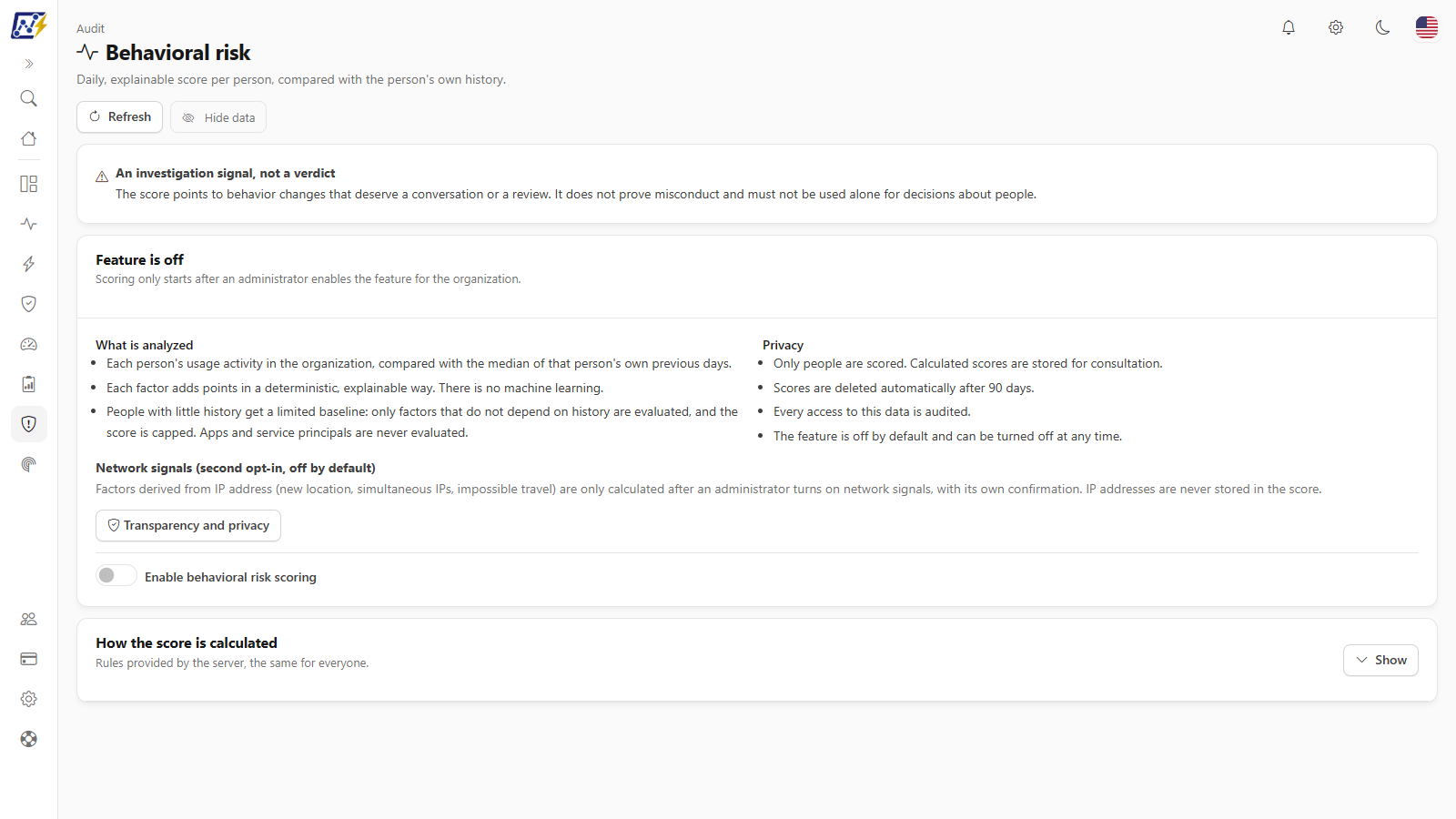
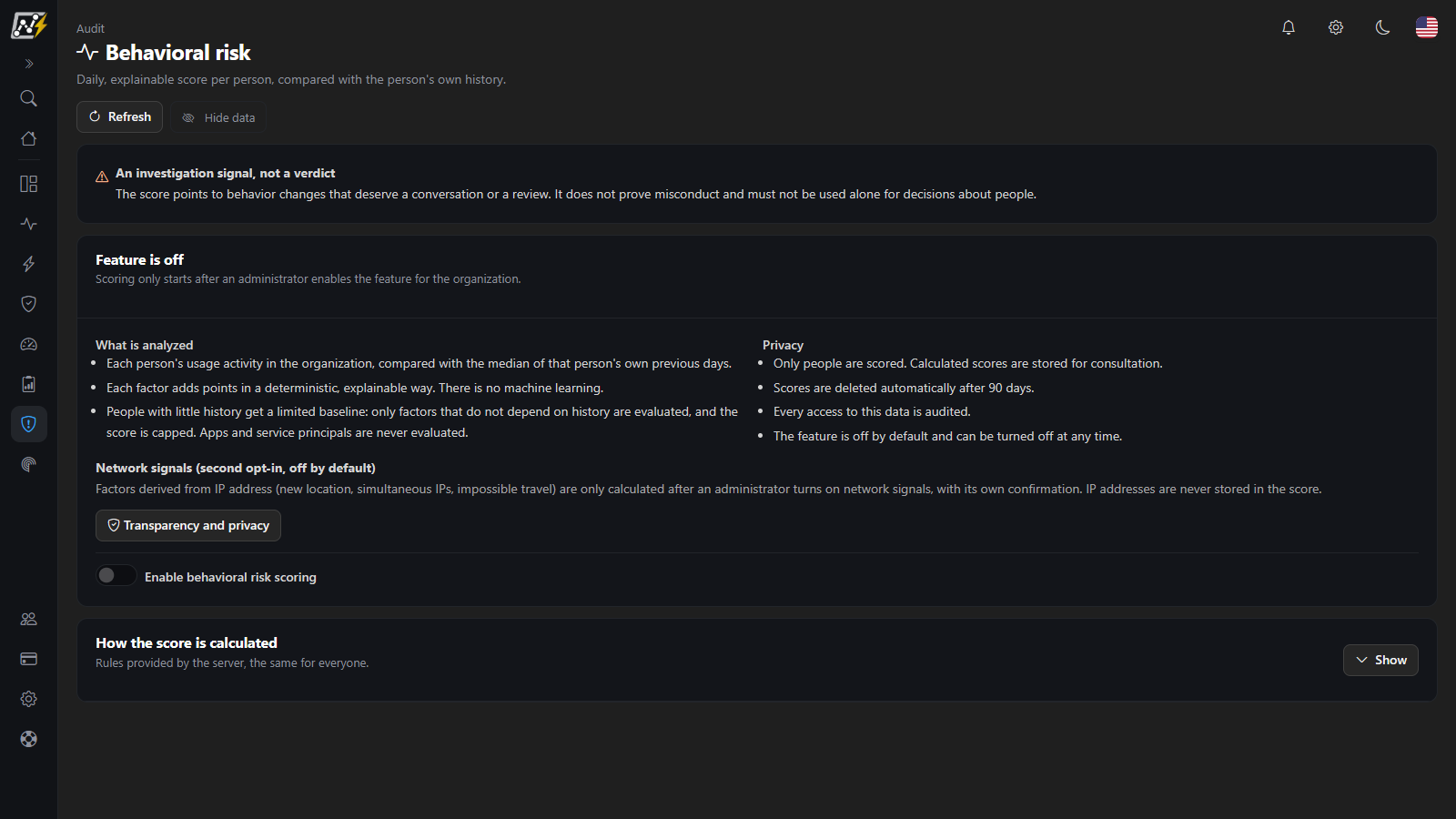
Behavioral risk per person
The audits nobody does by hand
- Service Principals: applications with direct permission in the environment, highlighting write access and workspace administration by third parties.
- Row-Level Security: each model's RLS roles, members and filters, and the findings (labeled model without RLS, role with no members or no filter).
- Direct Sharing: who accesses an item without having access to its workspace.
- E-mail Subscriptions: reports with a scheduled subscription and how many subscribers are from an external domain.
- Access reviews: campaigns in which the owners of each workspace confirm, person by person, who should keep access, with a record of every decision.
And the audit of Power Monitor itself
Logins, pages accessed, configuration changes, consents, emails sent and actions executed on capacities are also recorded. Whoever administers Power Monitor is auditable too.
Why it matters
- Compliance without spreadsheets: LGPD, ISO 27001 and SOC 2 require a historical trail, and it is already in place.
- Investigation in minutes: who had access, who viewed and from where, in a single tool.
- A smaller risk surface: excessive, external and forgotten access shows up before the audit does.
Related pages
- Audit: every screen in the module
- Permissions Dashboard
- Permissions and Access